Vida Solutions Labs
Save to Paperless
Upload documents and PDFs to your own self-hosted Paperless-ngx server, straight from your browser toolbar or a right-click. Least-privilege by design: no access to your browsing history, and nothing leaves your browser but the document you choose, sent to your own server.
Free. Works with any Paperless-ngx server. Privacy.
What it does
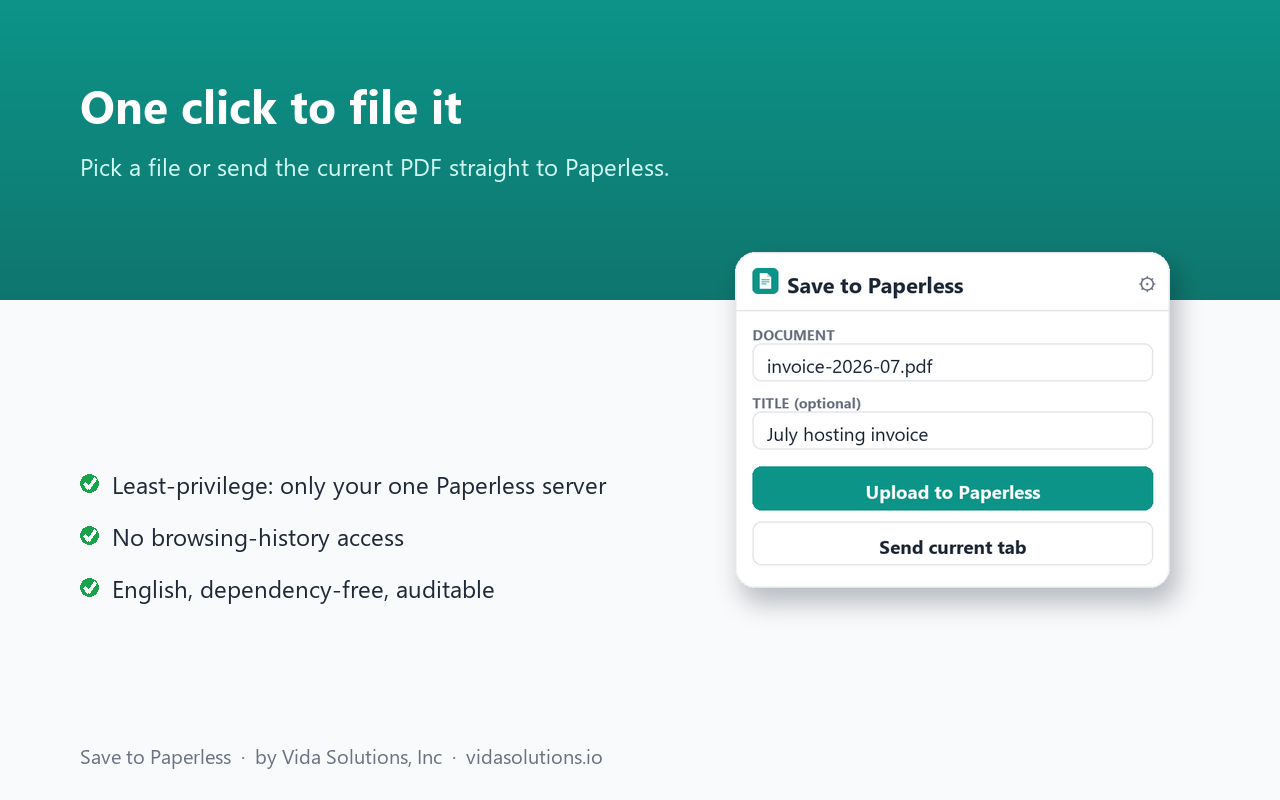
Upload a file in one click
Pick a document in the popup and send it straight to Paperless.
Send the current tab
Upload the PDF or file open in the active tab, without downloading it first.
Right-click any page
Choose "Send page to Paperless" from the context menu.
Optional titles
Give an upload a title, or let Paperless use the file name.
Any Paperless-ngx server
Talks to your instance over the standard Paperless REST API.
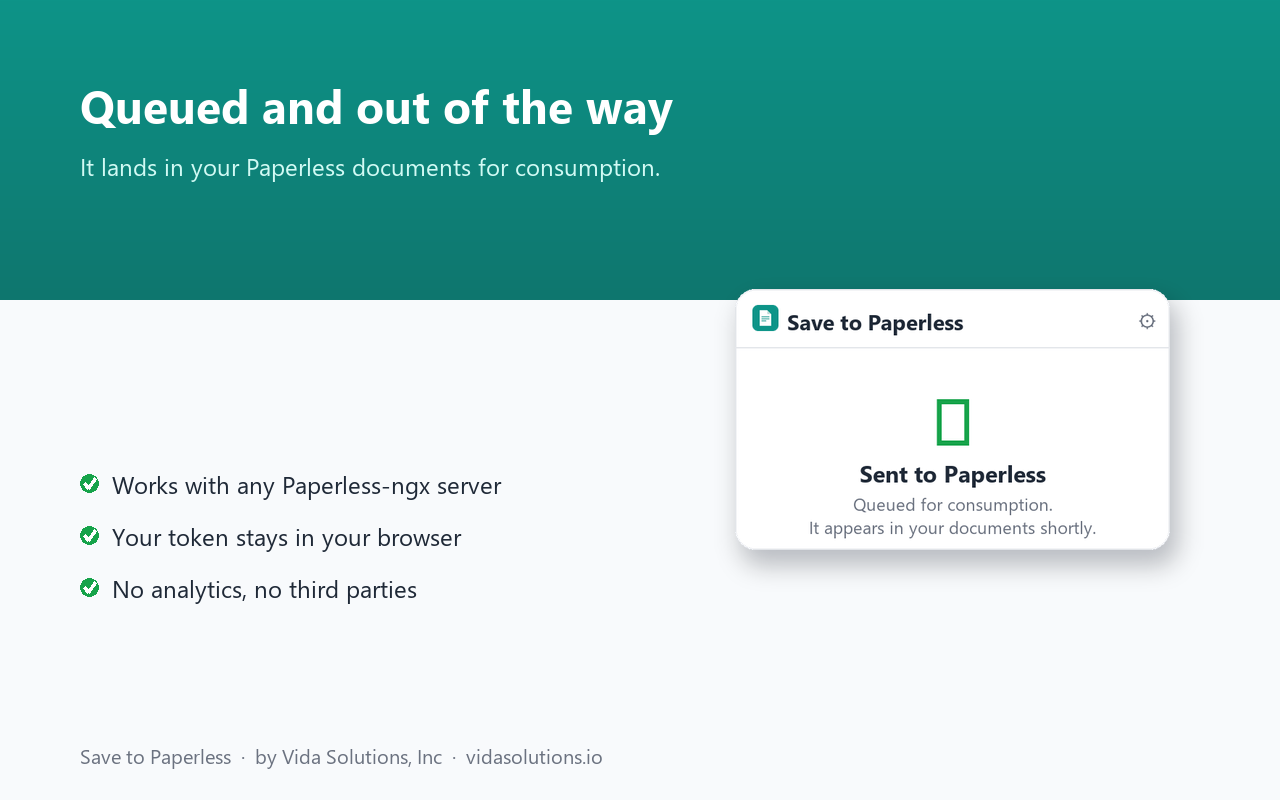
Your token stays local
Stored in your browser and sent only to your own server.
See it in action
Least-privilege by design
Most browser uploaders ask for broad access, including your browsing history. This one does not. It is small, dependency-free, and readable, so you can audit every line.
- Requests only the
storage,activeTab, andcontextMenuspermissions, plus access to the one Paperless server you enter, granted at runtime. - No access to your browsing history, and no background access to your tabs. It reads the current tab only at the moment you ask it to send that tab.
- Your server URL and API token stay in your browser and are sent only to your own Paperless server. No analytics, no telemetry, no third parties.
Set up in two minutes
- Create a token. In Paperless, open your profile, then My Profile, and generate an API token.
- Connect. Open the extension's Settings, enter your Paperless URL and the token, and approve access to that one server. That is it.
Go further
Want it fully automated on your desktop?
This extension is for one-off uploads while you browse. If you would rather never think about filing again, Vida Solutions' free intake agent watches a folder on your computer and files documents for you, automatically. Same problem, hands-off.
For teams
Own your document archive
Paperless-ngx is a capable open-source document management system you can host yourself, so your records stay on infrastructure you control instead of a per-seat cloud archive. Vida Solutions, Inc. can stand up a self-hosted Paperless instance for your business, secure it, wire up your scanners and inboxes, and keep it running.
Paperless-ngx is a trademark of its respective owner. Save to Paperless is an independent, unofficial tool and is not affiliated with, endorsed by, or sponsored by the Paperless-ngx project. Privacy policy.